Google Business Profile for Edmonton Businesses: Setup, Verification, and What to Fill In
A step-by-step guide to creating, verifying, and filling in a Google Business Profile for an Edmonton business, plus the mistakes that get profiles suspended.
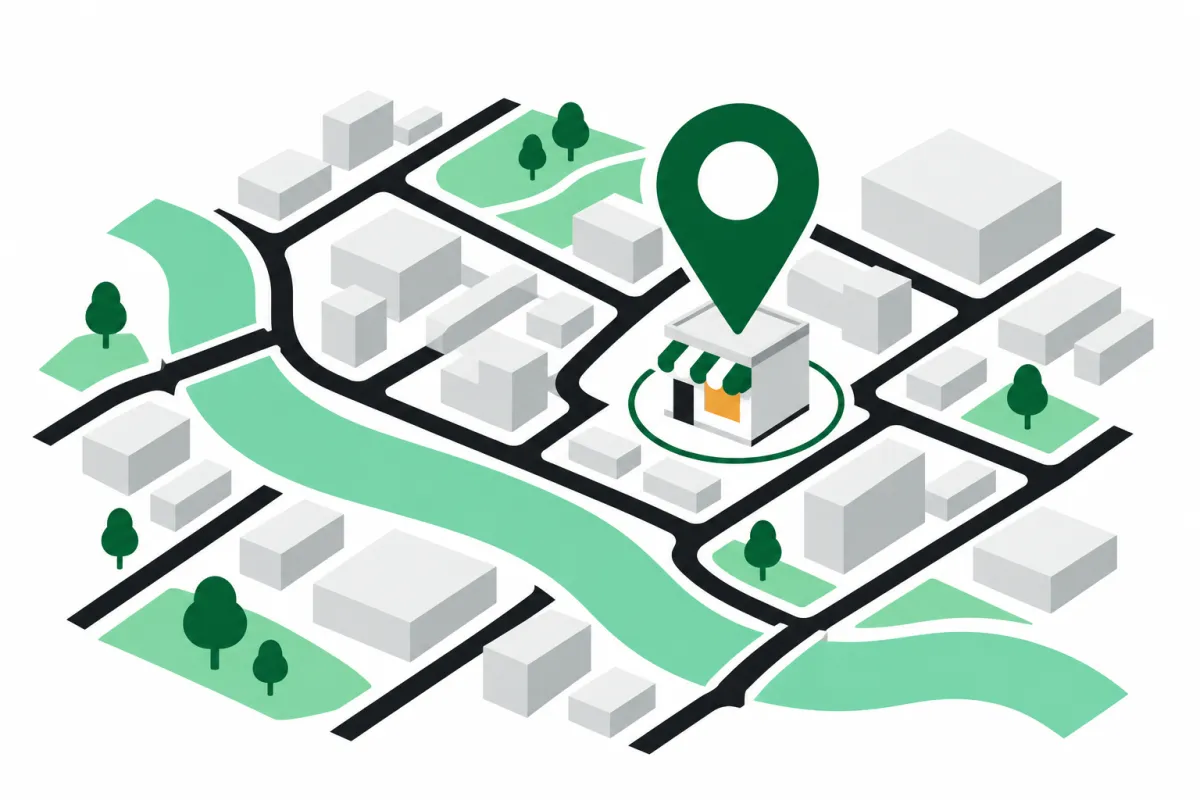
When someone in Edmonton searches "plumber near me" or "brunch downtown", the first thing they usually see is a map with three businesses under it. Those listings come from Google Business Profile, not from websites. For a local business it is often the single most valuable free listing there is.
Step 1: create the profile
- Business name: exactly as your customers see it on your sign, invoices, and registration. Nothing extra.
- Primary category: the most specific one that fits, like "House cleaning service" rather than "Service". This choice has a big effect on which searches you show up for.
- Location or service area: a storefront or restaurant shows its address. A business that travels to customers, like cleaners, landscapers, or contractors, should hide its address and set service areas instead.
- Phone and website: a local number you answer, and your website's home page or the matching service page.
With an ABaker Digital website, I create the profile and fill all of this in for you. The next step is yours.
Step 2: verification (the owner's part)
Google needs proof that the business is real and that you manage it. It chooses the method, and common ones are a short video recording, a phone call or text, an email, or a live video call. For video, plan to show your signage or branded vehicle, your tools or equipment, and something that proves you manage the business, like opening the shop or showing business paperwork.
Review can take a few days. Until it's verified, the profile won't show publicly, so do this as soon as Google asks.
Step 3: fill in everything
- Hours, plus holiday hours. Edmonton has long weekends and winter closures; set special hours ahead of time.
- Services or menu, each with a short description and price if you can.
- Description: what you do, who you serve, and where, in plain words.
- Photos: logo, a cover photo, outside and inside, your team, and plenty of real work. Add more every month.
- Attributes and links: booking or ordering links, accessibility details, payment types.
Step 4: keep it alive
A profile that gets new reviews, photos, and updates looks active to customers and to Google. Reply to every review. Post an update when you have an offer, a seasonal service, or new work to show. Google says that review count and score factor into local ranking, so asking for reviews should become a habit, not a one-time push.
Service areas around Edmonton
Service-area businesses can list up to 20 service areas. Google advises keeping them within about two hours' drive of where you're based. For an Edmonton business that might be Edmonton, St. Albert, Sherwood Park, Spruce Grove, Stony Plain, Leduc, Beaumont, and Fort Saskatchewan. List only the areas you actually serve.
Mistakes that get profiles suspended
- Keywords in the business name, like "Sparkle Cleaning | Best House Cleaners Edmonton".
- Virtual office or mailbox addresses. Google doesn't accept them as a business location.
- Duplicate profiles for the same business.
- Fake or bought reviews, or offering rewards for reviews.
- A different name or phone number on your website and other listings. Keep them identical everywhere.
Once your profile is verified and complete, also claim Bing Places and Apple Business Connect (Apple Maps). Every ABaker Digital website includes setting these up as part of Masterclass SEO.
More Edmonton guides

Should You Refresh Your Website? 7 Benefits for Edmonton Businesses
Thinking about a new look for your website? Here are 7 real benefits of a website refresh for Edmonton businesses, the signs it is time, and what it costs.
Read the guide →
How AI Search Can Send You Customers (If Your Website Is Ready)
More people now ask ChatGPT, Google, and Copilot to recommend local businesses. Here is how an AI-ready website helps Edmonton businesses get found and chosen.
Read the guide →
What Edmonton Customers Notice First When They Visit Your Website
Before they call, customers size up your business from your website in seconds. Here is what they notice first, with simple checks any Edmonton business can do.
Read the guide →
How Long Does It Take to Rank on Google in Edmonton? An Honest Timeline
A new Edmonton business website won't rank #1 the week it launches. Here's the realistic timeline for indexing, Google Maps, and rankings, and what actually speeds it up.
Read the guide →